Connect QuickBooks Online or Desktop and get your 52-week cash flow forecast and 5-year model in minutes
.webp)




From login to forecast in 5 minutes

Create your account with an email and a password
No sales call, no scheduled walkthrough. See it working on your own numbers today.
Start for free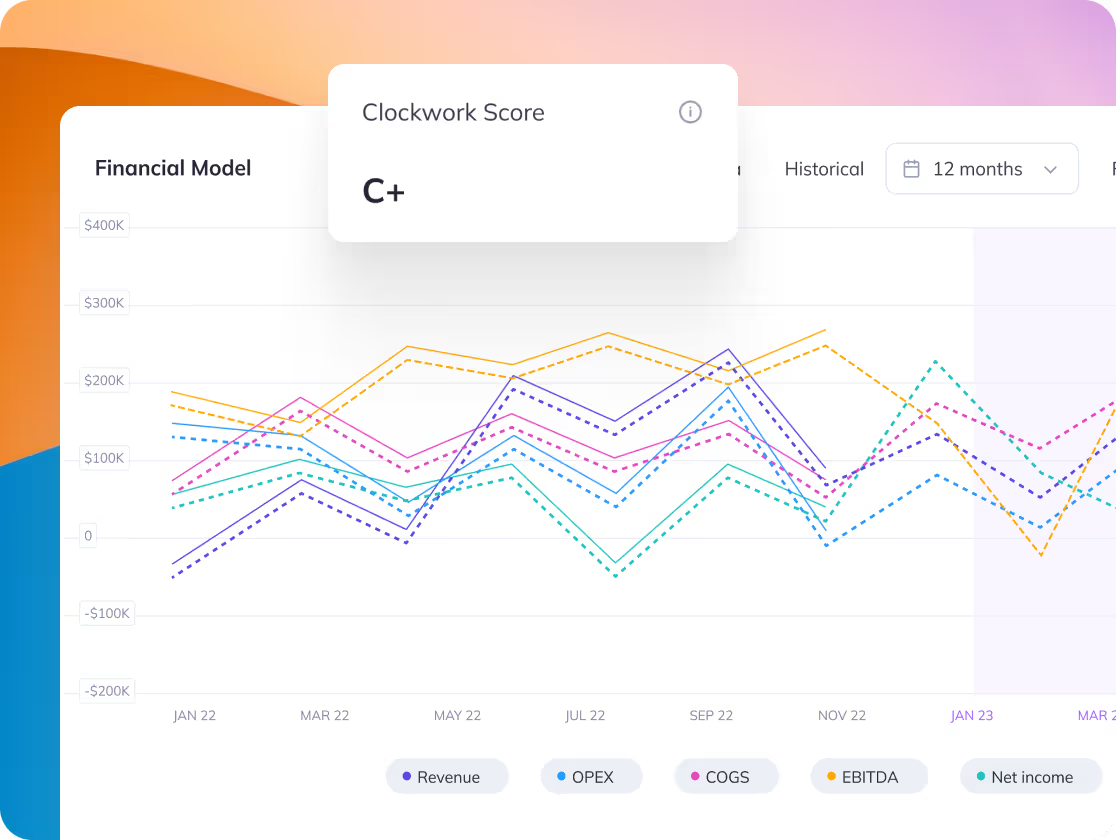
Connect QuickBooks in one click
No manual entry, no CSV uploads. Clockwork reads your books and keeps itself current.
Start for free
Five minutes later: your forecast, built
A full 3-statement forecast, dashboards, metrics, and scenario planning, drafted from your actual numbers.
Start for freeQuickBooks + Clockwork: common questions
Does Clockwork work with QuickBooks Desktop?
Yes. Clockwork connects to both QuickBooks Online and QuickBooks Desktop, as well as Xero.
How does the QuickBooks sync work?
One-click connection. Clockwork reads your general ledger and keeps your forecasts, dashboards, and 3-statement model current automatically every time your books change.
Will Clockwork change anything in my QuickBooks file?
No. Clockwork reads your financials to build forecasts and reports. It never writes to your books.
What does it cost?
Every plan includes a 14-day free trial, no credit card required. See the pricing page for current rates.
Check out success stories and examples
Learn how product leaders and teams solved unique and everyday challenges.



.png)
.png)

.png)
.png)

.avif)


.avif)


.avif)

